 Granit.app
Portfolio5 min
Photo Diptych and Triptych: How to Pair Images That Work Together
What a diptych and a triptych are, five ways to pair images, the mistakes to avoid, and a simple method to build your own.

A photo diptych is two images shown side by side and meant to be read as one. A triptych uses three. A good one pairs images that answer each other without repeating, in a shared format, with an even gap between them. Here is how to choose the images and put them together.
Diptych, triptych, polyptych: what the words mean
- Diptych: two images paired and read as a single piece.
- Triptych: three images. The middle one often acts as the pivot between the other two.
- Polyptych: four images or more, conceived as one work.
The terms come from painting, where hinged panels formed a single altarpiece. The idea has not changed: several images, one reading.
Why diptych and triptych photography works
Two images side by side create a third meaning. A closed face next to a shut door suggests waiting. The same face next to an open window suggests a wish to leave. Neither image says it alone. The eye looks for the link, and that search is what holds attention.
Five ways to build a diptych or triptych
1. Shape
A line, a curve or a mass carries from one image to the next. Example: the arch of a bridge, then the curved back of a dancer. The subject changes, the shape stays.
2. Colour
A shared dominant colour ties two unrelated scenes together. Example: a red wall in the city and a red coat on a grey beach. The colour makes the link, everything else can differ.
3. Contrast
Pair opposites: full and empty, crowd and solitude, old and new. Example: a packed concert hall, then the same hall empty the next morning. The opposition makes each image stronger.
4. Sequence
The images follow an order in time. A triptych example: a hand reaching for a cup, the cup raised to the lips, the empty cup set down. The viewer fills in the movement between frames.
5. Scale
A wide shot sets the place, a detail gives its texture. Example: a whole workshop, then the paint-covered hands of the person working there. It is the easiest pairing to start with.
Common mistakes
- Mismatched formats: a portrait image next to a landscape one gives uneven heights or widths. If you combine them, make it a deliberate choice.
- Repetition: two near-identical frames add nothing. Each image should bring new information.
- A gap that is too wide: the images drift apart and read as two separate works.
- A gap that is too narrow: the images run into each other.
- Inconsistent processing: black and white on one side, saturated colour on the other, with no clear intent. Keep the look consistent.
How to make a photo diptych or triptych
- Start from one strong image, then look for the one that completes it, rather than pairing two images at random.
- Use the same format and orientation for every image, especially on your first attempts.
- Keep a thin, even gap between images, and an outer margin at least as wide.
- Think about reading order. We read left to right: the left image sets the context, the right one concludes.
- In a triptych, put the strongest image in the middle, or give it more room.
- Look at the whole thing small. If the link still shows, it works.
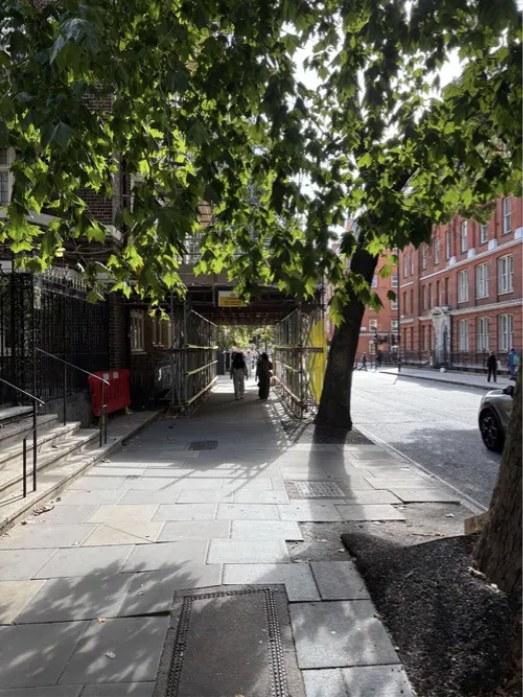
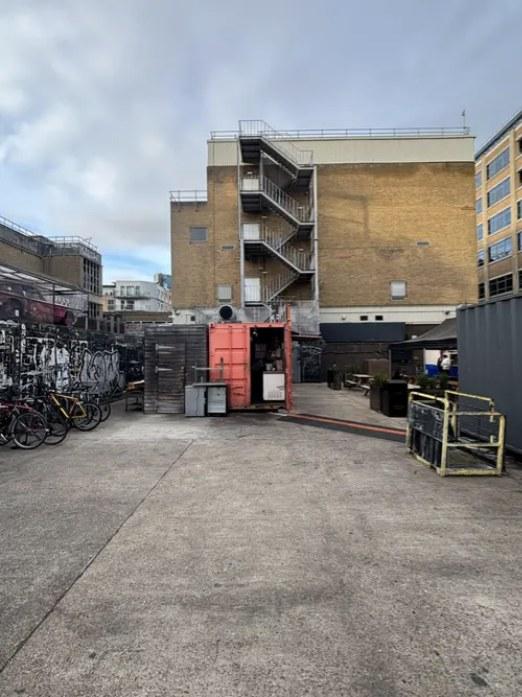
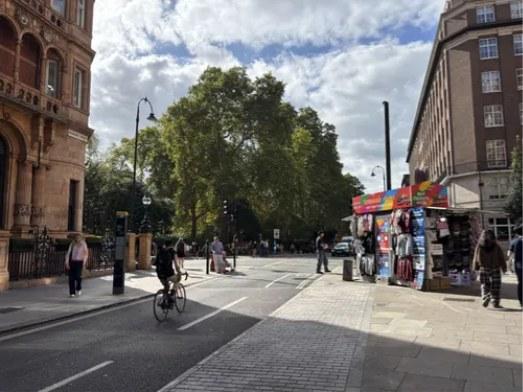
Building a diptych or triptych in Granit
In Granit, a composition groups several media on a page of your portfolio. Formats are preserved: no image is cropped to fit the composition.
Select media in a collection and Granit Intelligence suggests compositions based on categories, themes, colour, importance and formats. You choose how many images go in each composition (one to four), the style (horizontal, vertical, grid, mosaic) and the artistic direction. The "Keep the collection order" option preserves your sequence. Black and white and colour are not mixed within the same suggestion.
You then adjust each composition by hand. For a triptych, proportions take one click: balanced, focus center, focus left or focus right. For more on layout, read The Art of Composition.
Frequently asked questions
What is a photo diptych?
A photo diptych is a pair of images shown side by side and meant to be read together. Their pairing creates a meaning neither image carries alone, through shape, colour, contrast, sequence or scale.
What is the difference between a diptych and a triptych?
A diptych has two images, a triptych has three. In a triptych, the middle image often acts as a pivot, and reading order matters as much as image choice. Four images or more make a polyptych.
How do you choose images for a diptych?
Start from one strong image, then find the one that completes it: a repeated shape, a shared colour, a contrast, a moment in time or a wide shot followed by a detail. Avoid two near-identical frames.
How much space should you leave between images?
A thin, even gap between images, and an outer margin at least as wide. Too wide and the images read as two separate works. Too narrow and they run together. Judge the whole by eye.
Can a triptych work in black and white?
Yes, and it is a good exercise: without colour, the link rests on shape, light and contrast. Use the same processing on all three images so they read as one piece.