 Granit.app
Preserved formats in Granit ensure images display in their native aspect ratio—no automatic cropping, forced thumbnails, or layouts that betray your composition.
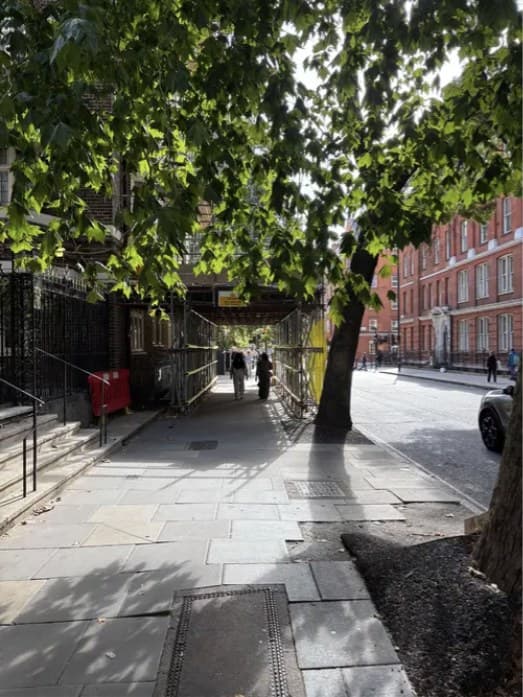
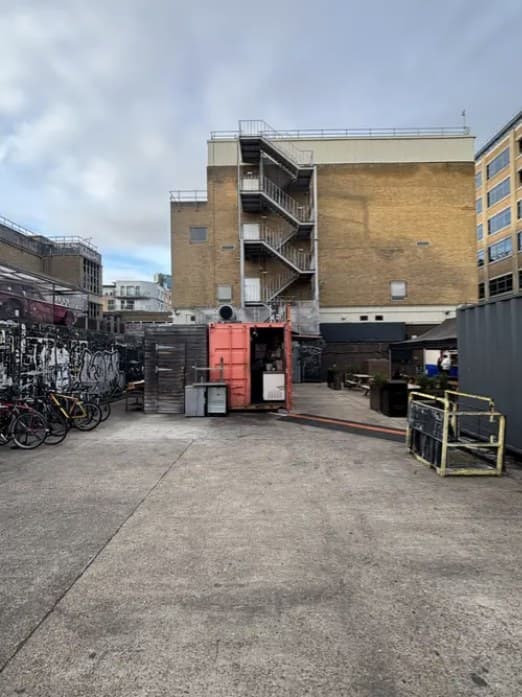
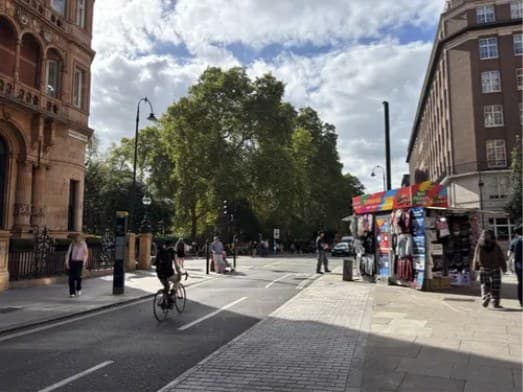
Respecting format respects intent
A square stays square. 3:2 stays 3:2. 16:9 stays 16:9. For photographers and visual artists, aspect ratio is part of the work—it sets rhythm, tension, negative space, and how an image should be read.
What Granit avoids
Many platforms force images into grids, square thumbnails, or scroll-tuned ratios—letting the system decide visual hierarchy for you. Granit does the opposite: the canvas adapts to the media, not the other way around.
No automatic cropping
Media appear as you created them—horizontal, vertical, panoramic, small, large, square, or ultra-wide. No algorithm squeezes your image into a mold that is not yours.
Why this matters for a portfolio
Your portfolio is staging space. If a horizontal frame becomes a square thumbnail, intent disappears. Granit keeps control of pacing, breathing room, and how each series reads.
Concrete example
You publish a series alternating vertical portraits, panoramic landscapes, and horizontal diptychs. Granit preserves those differences so the page reflects the visual construction—not a flattened uniform grid.
Frequently asked questions
Does Granit crop images automatically?
No. Images keep their native aspect ratio without forced crops.
Why avoid forced square thumbnails?
Because they can cut subjects, break compositions, or reduce creative intent to a generic preview.
Is this helpful for mixed-format series?
Yes. Series that mix formats keep their natural rhythm and presentation coherence.


